




















































































How do I track my delivery status or tracking number?
We encourage you to login to your account on our website to check your tracking details.
• Log in to your account by clicking "Sign In" on the top right corner of jiji.sg
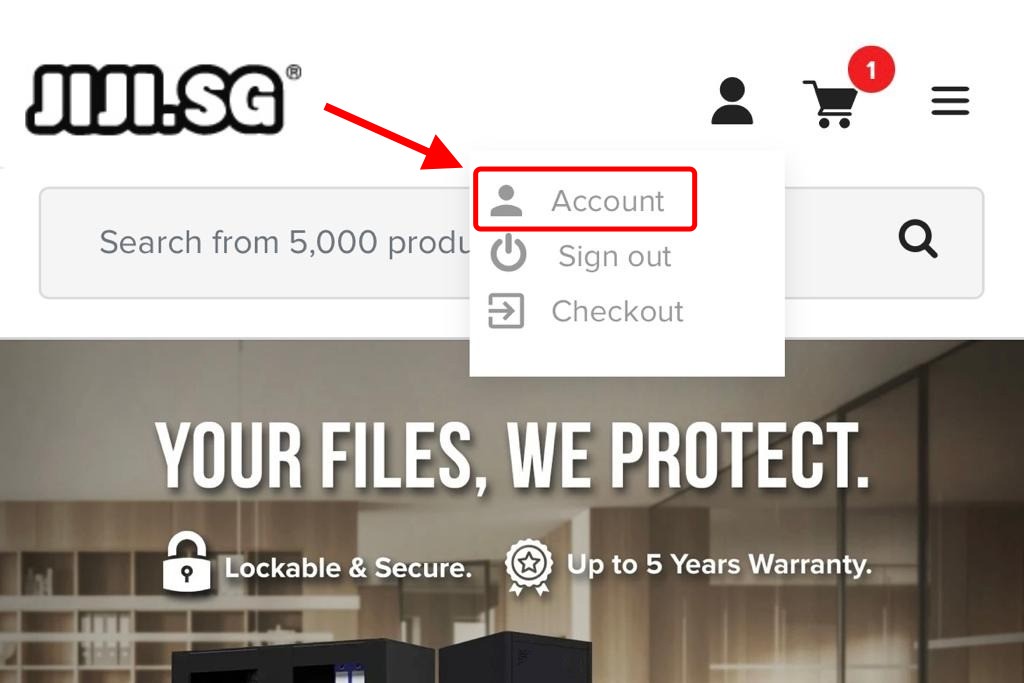
• Click "Account" on the same top right corner of jiji.sg as attached.
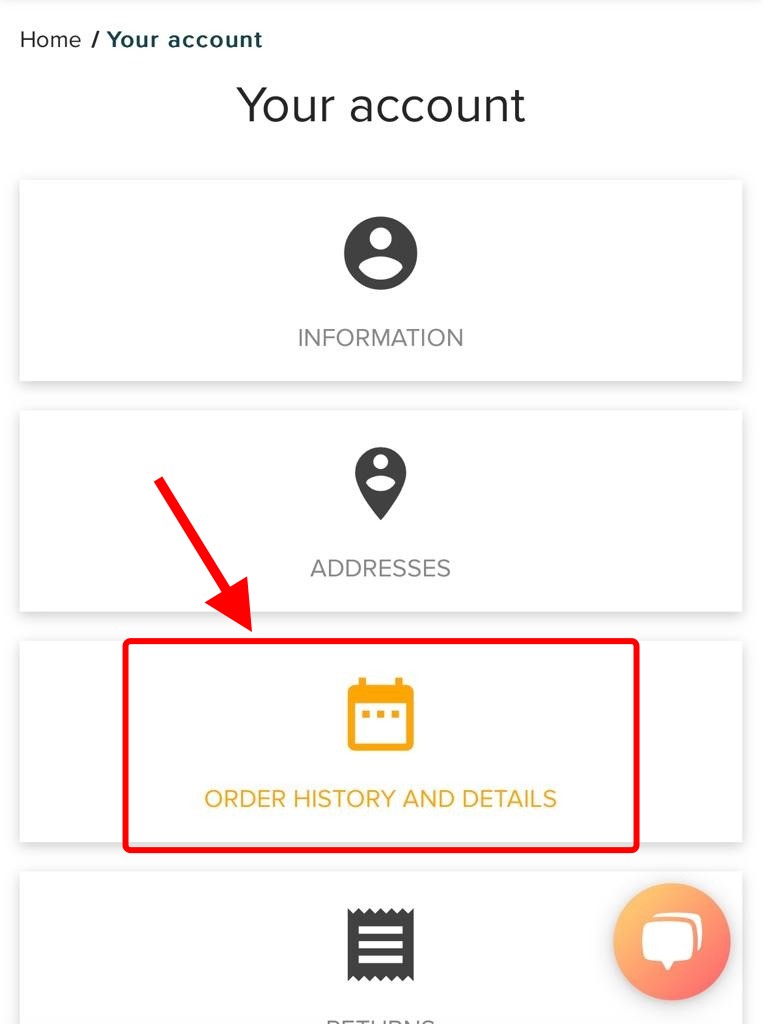
• Click "Order History and Details" and view the all your order history.
• Click on "the search icon" and view the details of your order.

• Navigate down to the bottom and click on the "tracking number" (Tracking number only appears if your order status is under "Processing in progress")

• For "Truck Delivery's" tracking link, the delivery date you've selected for will be shown here.

If you can't find what you're looking for, or need to change something about your order(etc. delivery date), drop us an email at [email protected] or approach our live chat agent on the chat box on the bottom right corner of JIJI.SG during our working hours. Our friendly Customer Service Officers will be glad to assist you.